Table of Contents
With AI integrated into no code and low code platforms, businesses and individuals can now streamline everything from internal workflows to web data collection without writing a single line of code.
But not all automation tools are built the same. Some focus on workflow automation, helping you connect apps like Gmail, Slack, Notion, and Google Sheets to eliminate repetitive tasks and build end-to-end systems.
Others specialize in web automation, enabling you to scrape websites, monitor changes, and extract structured data using smart, AI-driven tools.
In this article, I’ll cover two types of AI automation tools:
- Powerful AI workflow automation platforms like Make.com, Zapier, airSlate, and Bardeen.ai.
- Intelligent web automation tools like Browse.ai, Hexomatic, and Phantombuster.
Each tool offers a unique approach to automation, and by the end of this guide, you’ll know exactly which one fits your use case, whether you’re streamlining business processes or turning the internet into your personal data engine.
Key Takeaways
- AI automation isn’t one-size-fits-all. Some tools are built for automating workflows across apps, while others specialize in extracting and monitoring web data.
- No coding required for powerful automation. All those tools offer intuitive, no code or low code interfaces, making them accessible to both technical and non-technical users.
- Start small, scale smart. Most platforms offer free trials, so test them with a simple task, then gradually build more complex automations as you grow more comfortable.
Let’s dive in.
Top 4 AI Workflow Automation Tools
1. Make.com (formerly Integromat)
What it does
Make.com is a visual automation platform designed to build and manage complex workflows across multiple apps and systems without coding.

Key Features
- Scenario Editor: A unique drag-and-drop interface that shows real-time execution.
- Supports 1,600+ apps with deep integration and rich module control.
- Connect to any online app using its HTTP module, even if it’s not officially listed.
- Flexible logic builder which Includes filters, conditions, loops, and error handling.
AI Integration
Make.com doesn’t come with built-in AI models, but it allows full integration with popular AI tools like OpenAI, Deepseek, Gemini and other services. You can create AI-driven flows like:
- Auto-reply to messages with GPT-generated text
- Extract content from PDFs and summarize it
- Auto-generate emails or documents using large language models
Best For
Teams that require complex, multi-step workflows across tools like Slack, Airtable, Notion, and Gmail. Ideal for tech-savvy users who want total control over their automation logic.
2. Zapier
What it does
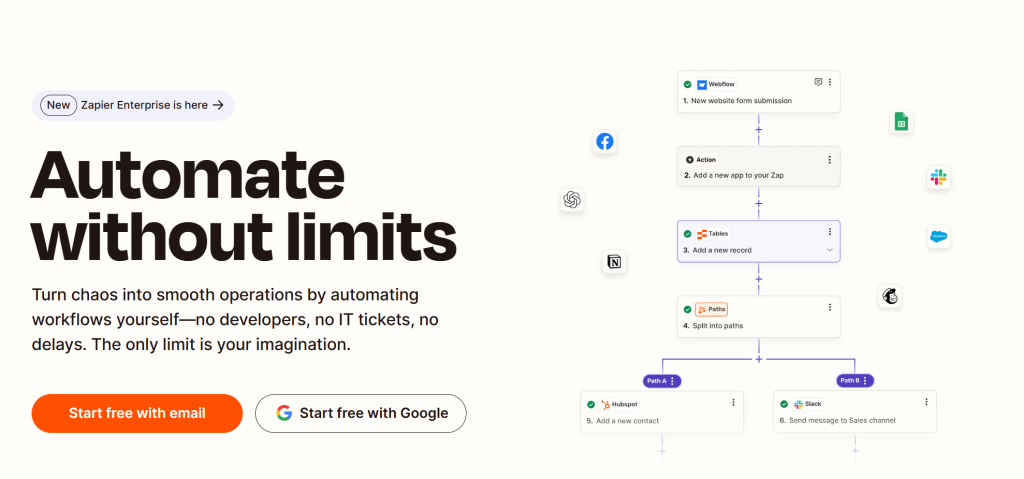
Zapier is the ideal tool for beginners looking to automate routine tasks. It works by connecting your apps and triggering actions based on “Zaps” which is their name for workflow automations.
Key Features
- Simple setup: Describe your intent, and Zapier will suggests relevant automations.
- Connects thousands of apps like Gmail, Slack, Notion, Google Forms, and more.
- Customizable triggers and actions in just a few clicks.
AI Integration
Zapier could integrates with tools like ChatGPT to perform tasks such as:
- Sending personalized replies automatically based on form inputs.
- Translating and summarizing messages.
- Generating content snippets and auto-responses.
For my own usage, I would use Zapier to send auto replies after customers submitted feedback through a Google Form on my site.
Best For
Beginners and non-technical users looking to eliminate repetitive tasks quickly. Perfect for creators, freelancers, and small business owners.
3. airSlate
What it does
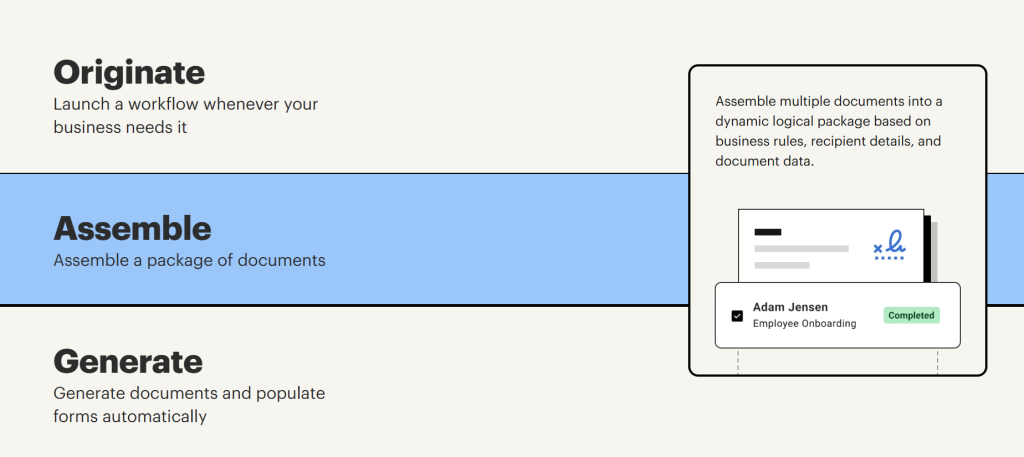
airSlate is a full-featured business automation platform designed to handle everything from document workflows to robotic process automation.
Key Features
- Drag-and-drop automation builder.
- Tools for PDF editing, e-signatures, form creation, contract negotiation, and payments.
- Compliant with SOC 2, HIPAA, and GDPR standards.
- Seamless integrations with Salesforce, Stripe, QuickBooks, and others.
AI Integration
While airSlate’s documentation doesn’t focus heavily on generative AI, it excels in process automation, document based decision making, and rule based routing, so it’s ideal for teams handling sensitive, high-volume workflows.
Best For
Legal, HR, finance, and operations teams needing secure, scalable automation around documents and approvals.
4. Bardeen.ai
What it does
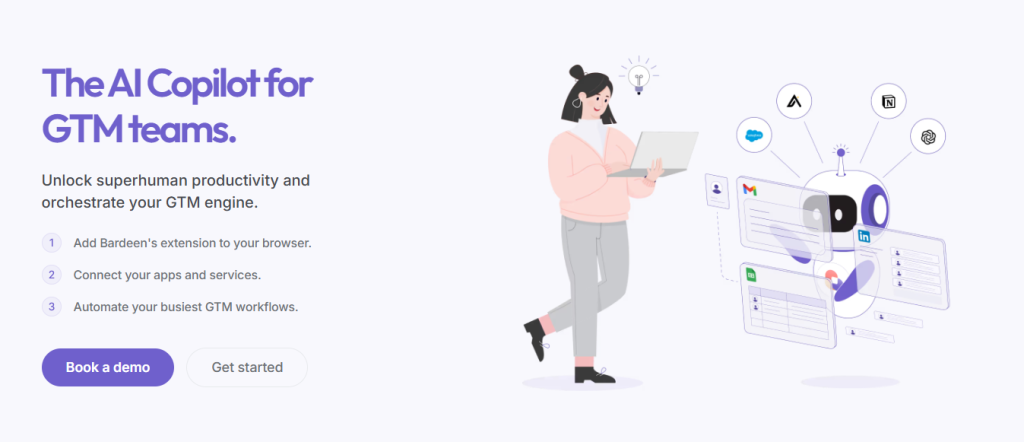
Bardeen is a browser based automation tool that leverages generative AI to create workflows from simple natural language commands.
Key Features
- “Magic Box” AI generator builds workflows by describing what you need.
- Playbooks & Autobooks: Pre-built automations that execute with a click.
- Seamless integrations with Google Sheets, Notion, HubSpot, and more.
- Built in no code builder and a community that shares use cases.
AI Integration
AI is central to Bardeen’s value. You simply tell it what kind of automation you want (e.g., “scrape product prices and update my Notion board”), and it uses LLMs to build the flow for you. It also allows interaction through their browser extension for instant execution.
Best For
Productivity minded individuals, creators, and startup teams who want to build automations fast, without needing technical skills or long setups.
Top 3 AI Web Automation Tools
5. Browse.ai
What it does
Browse.ai records your actions on a website and learns to extract data or monitor changes automatically.

Key Features
- Visual task recorder, no coding needed.
- Turn any website into an API.
- Cloud based execution.
- Notifies you of page changes or updates.
- Comes with pre-built robots for common tasks.
AI Integration
AI is used to identify web page elements and adapt to layout changes, increasing reliability over time.
Best For
E-commerce price monitoring, job boards, real estate data collection, and market research.
6. Hexomatic
What it does
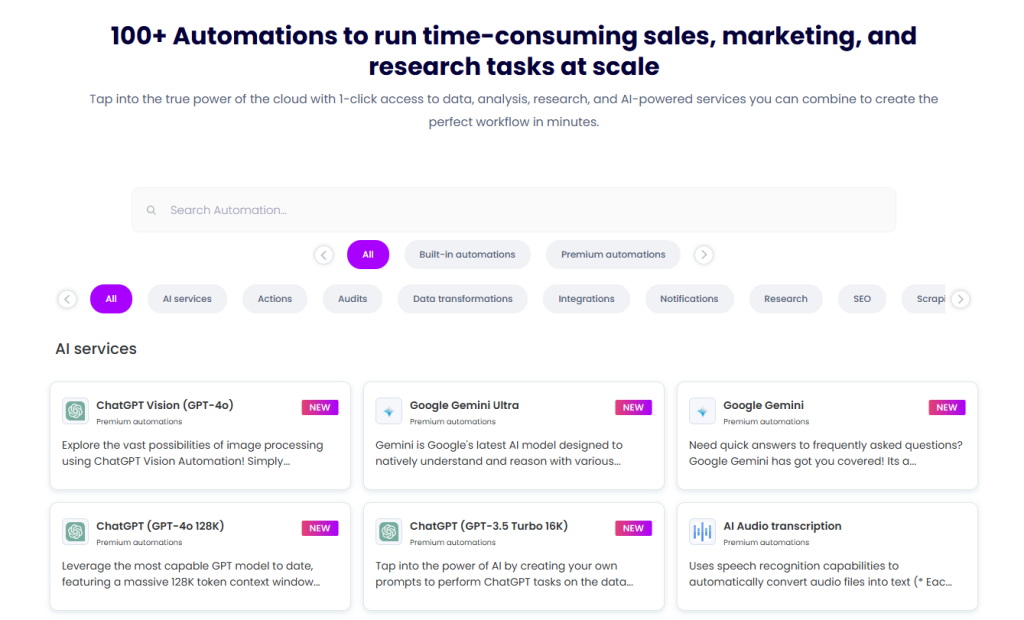
Hexomatic combines no code scraping with built-in AI automation and data enrichment capabilities.
Key Features
- One click scraping for popular sites.
- 100+ built-in automations for contact scraping, file downloads, etc.
- AI for content cleanup, summarization, classification.
AI Integration
Uses AI post-scraping to summarize data, extract keywords, or clean results for presentation.
Best For
Marketing teams, SEO analysts, and research-heavy users needing large-scale, structured data.
7. Phantombuster
What it does
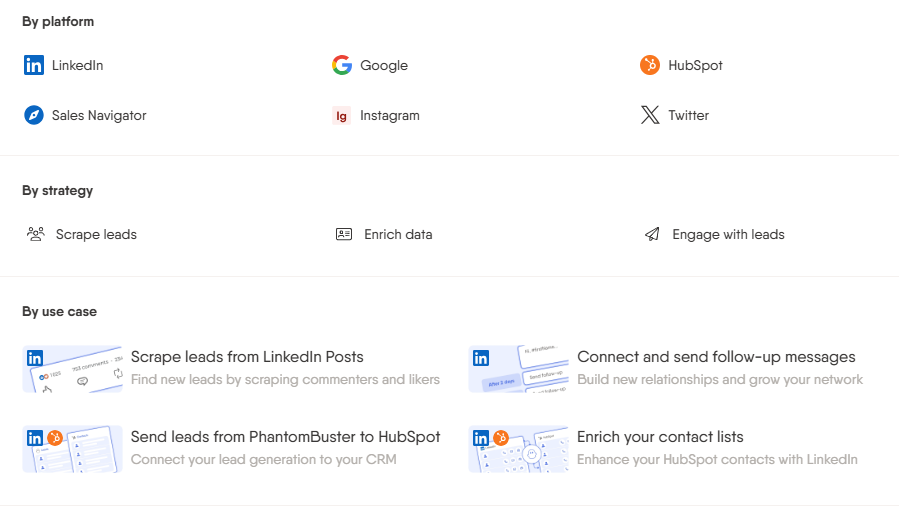
Phantombuster automates interactions and data extraction from social media platforms like LinkedIn, Instagram, and Twitter.
Key Features
- 100+ “Phantoms” (mini bots for specific tasks).
- Combine Phantoms into Flows for full campaigns.
- Works in the cloud, schedules tasks, exports results.
- Automates liking, commenting, messaging, profile scraping.
AI Integration
While not a generative AI tool, Phantombuster leverages intelligent scraping and rule based logic for effective social media automation.
Best For
Lead generation, outreach, and social growth, especially on LinkedIn.
Quick Comparison Overview for AI Automation Tools
| Tool | Type | AI Role | Best Use Case |
| Make | Workflow Automation | API-integrated AI | Multi-step logic workflows |
| Zapier | Workflow Automation | Native AI tool integration | Entry-level automation across popular apps |
| airSlate | Workflow Automation | Smart document workflows | HR, legal, and finance operations |
| Bardeen.ai | Workflow Automation | AI-generated workflows | Fast browser-based automations |
| Browse.ai | Web Automation | AI element recognition | Page monitoring and data scraping |
| Hexomatic | Web Automation | Post-scraping AI enrichment | Bulk data extraction + analysis |
| Phantombuster | Web Automation | Rule-based interaction automation | Social media scraping and outreach |
Final Thoughts
Whether you’re trying to streamline your internal operations or mine the web for actionable insights, AI automation tools offer a powerful way to save time, reduce errors, and scale your output.
Workflow automation platforms like Make, Zapier, airSlate, and Bardeen.ai are ideal for connecting apps, building intelligent systems, and automating multi-step processes across your tech stack, and it is perfect for marketers, teams, and creators looking to eliminate manual work.
On the other hand, web automation tools like Browse.ai, Hexomatic, and Phantombuster shine when you need to extract data, monitor websites, or automate browser based interactions, they are game changers for researchers, e-commerce operators, and growth hackers.
There’s no one-size-fits-all solution. The right tool depends on your use case, technical comfort level, and automation goals. The good news? Most of these platforms offer free plans or trials, so you can experiment before committing.
If AI sounds scaring for you, don’t be panic. Just start small, automate smart!
And let AI handle the busywork so you can focus on what truly matters.